
Hello everybody.
My name is Rodrigo, and I am from Brazil. I am new to this forum; I have been working as a programmer since 1992, have worked with PHP since 2001, and have used Scriptcase since version 4, back in 2009.
The “Base Project” aims to be an initial foundation for new projects, containing the entire necessary structure of tables and applications, in order to avoid rebuilding applications that every Scriptcase project requires. Application, profile, and user management, permissions, messaging, documents, time restrictions, etc.
The standout application in the base project is the main menu, created as a Blank application and packed with useful features not found in Scriptcase’s native menu application. An extensive study of the native menu application’s source code was conducted to maintain maximum behavioral compatibility with the native application. An example of this is opening applications in tabs within the menu, which is done completely transparently, just like the native menu itself does, without workarounds.
The other applications are created natively within Scriptcase, except for a few projects extracted from GitHub, such as the Kanban board and the file manager.
A Youtube playlist was created to demonstrate the features listed below. I hope you enjoy it.
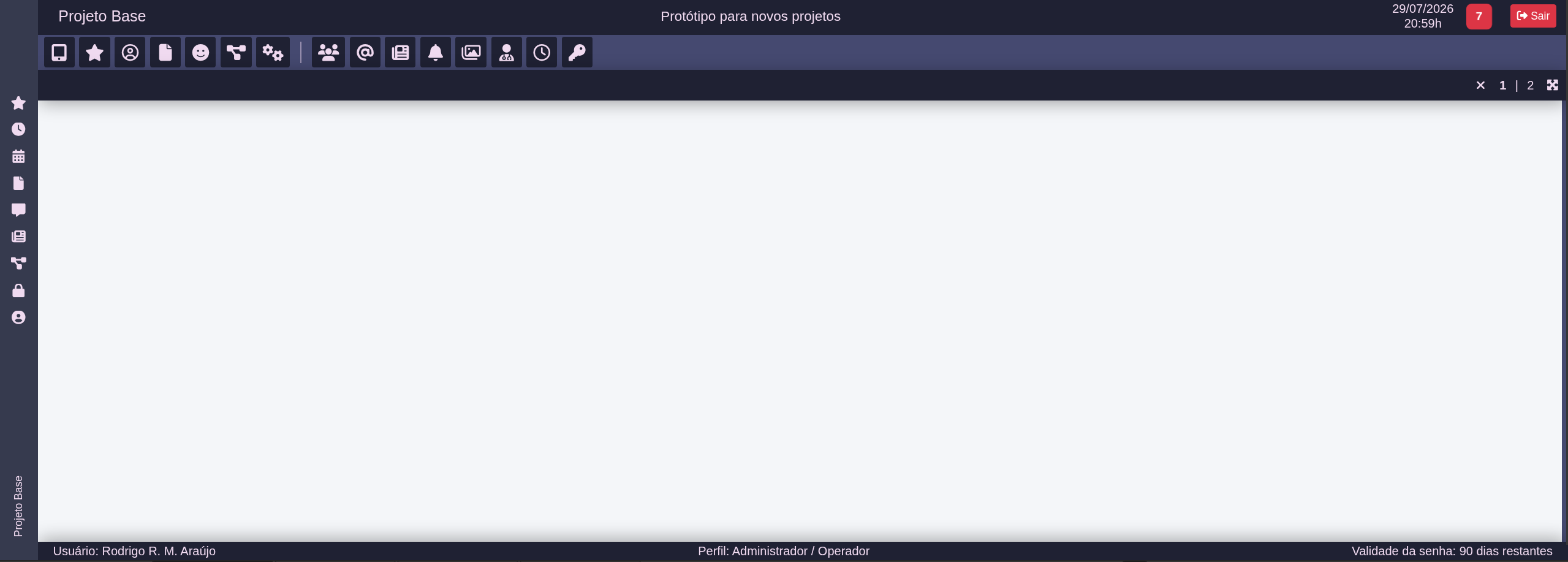
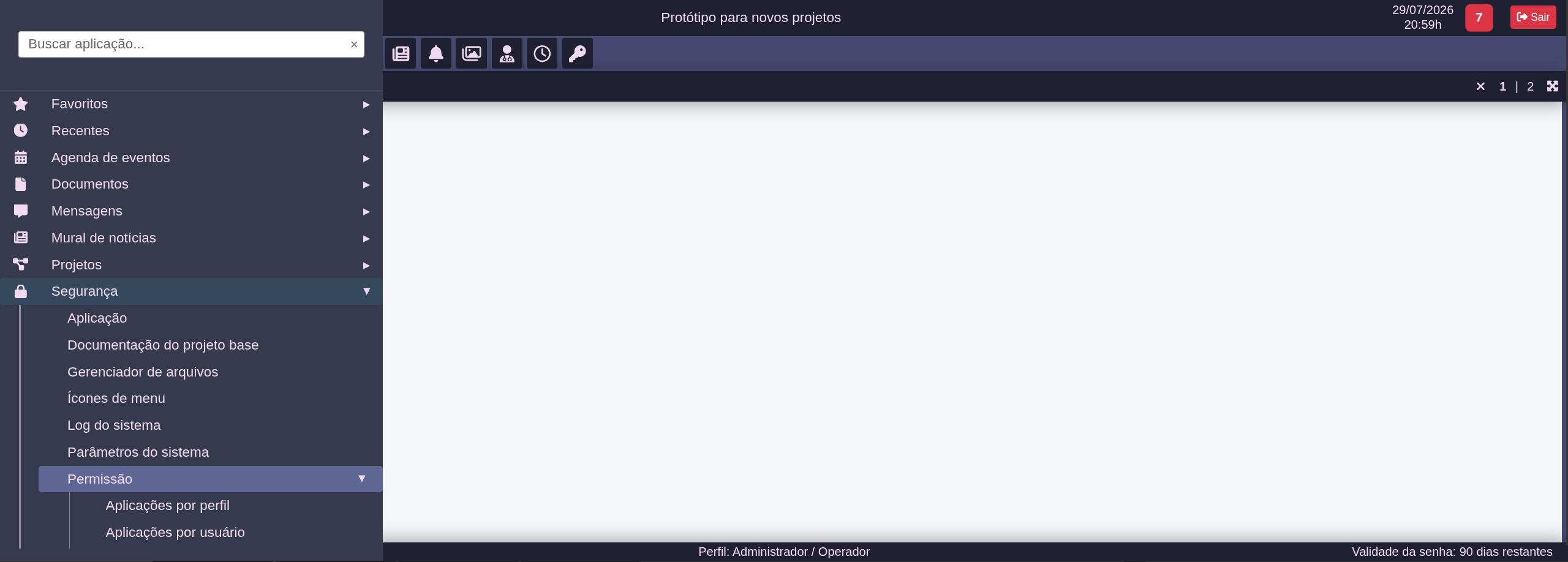
Summary of the base project features:
-
2 menu types for desktop environments (vertical and horizontal);
-
Automatic mobile menu for devices with a width of less than 1024px;
-
100% customizable user interface via a system parameters application. Configuration of colors, fonts, font sizes, icons, on-screen components… There are 130 configurable parameters so far;
-
Ability to have 2 workspaces simultaneously on the screen, allowing 2 applications to run side-by-side;
-
Favorites menu: option for the user to favorite applications. A special menu item groups the user’s favorite applications for easy access;
-
Recent menu: a menu that groups the last X applications opened by the user, streamlining use in subsequent sessions. The number of recent applications is configurable;
-
Notifications: Ability to send notification messages to users (individually or in batches). Configurable notification badge in the header. Configurable timed reading of new notifications to update the badge;
-
Time restrictions for running restricted applications, for a specific user group, with automatic closing of the restricted application if it is currently open;
-
Variable creation (keywords that capture results from created queries);
-
Dynamic document generation using variables;
-
Telegram integration for sending text and documents in image/PDF format;
-
Global initial applications configuration to define which applications open automatically after login. It is also possible to configure in which environment this feature will be used;
-
Silent application configuration: set up an application that runs whenever a user logs in, completely transparent to the user;
-
Timed application configuration: set up an application that runs every X seconds (configurable) for each logged-in user, transparently to the user;
-
Pre-command configuration in applications: ability to run PHP commands (before opening the application) whenever a configured application is opened;
-
Recurring messages: configuration of automatic email or Telegram message creation by the system, based on scheduling;
-
File Manager: an application that simulates a file manager similar to Windows Explorer or Thunar, featuring the most essential directory and file-related activities, such as creating, moving, copying, deleting, renaming directories/files, zipping/unzipping…
-
Kanban, using the jkanban library, with project management applications;
Extra configurations per user (or in batches) for:
-
Desktop menu type (vertical/horizontal);
-
Single tab mode (only one application at a time, without a tab bar, similar to SC8 projects);
-
Single workspace (without splitting the screen in two);
-
Initial applications: users can configure their own favorited applications to open automatically upon each login, select the environment (desktop/mobile), define the opening order, and choose the workspace;
The project was conceived using Brazilian Portuguese and can be translated upon request.
If you are interested in purchasing the complete project to import into your Scriptcase and MySQL database, please contact me via private message.