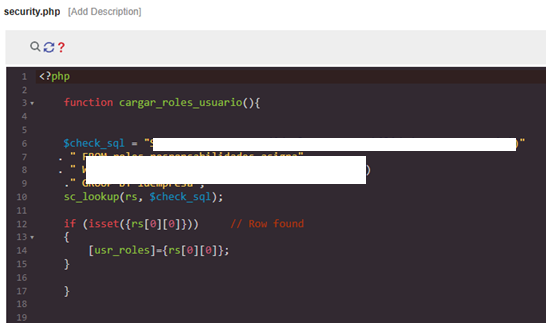
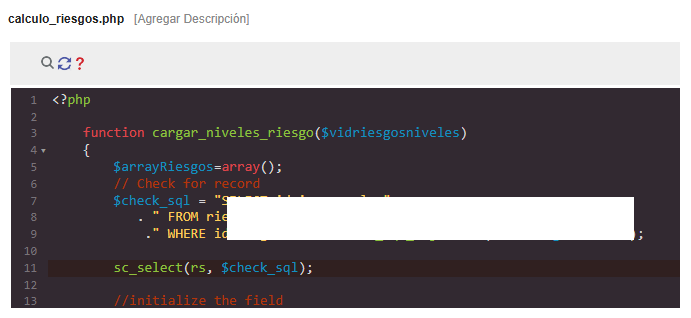
I was developing a library to be used by all applications . And this library was using the macro “sc_lookup(” in the internal libary and it gave error Fatal error: Uncaught Error: Call to a member function Execute()
So this is about such errors. I am aware that this is mentioned by other users in this forum. But I am trying to make such issues under a separate head with detailed explanation for all. I am not trying to steal others inputs though.
The Issue: Macro Compatibility and “Null” Errors
A common cause of Fatal error: Call to a member function ... on null is calling an Internal Library function that contains database macros (like sc_lookup or sc_sql_injection) from an incompatible event. This happens because:
- Execution Scope: Macros inside a library function often lose access to the application’s internal database connection object.
-
Event Restrictions: Every Scriptcase macro has a specific list of events where it is allowed to run. If a macro is prohibited in an event (like
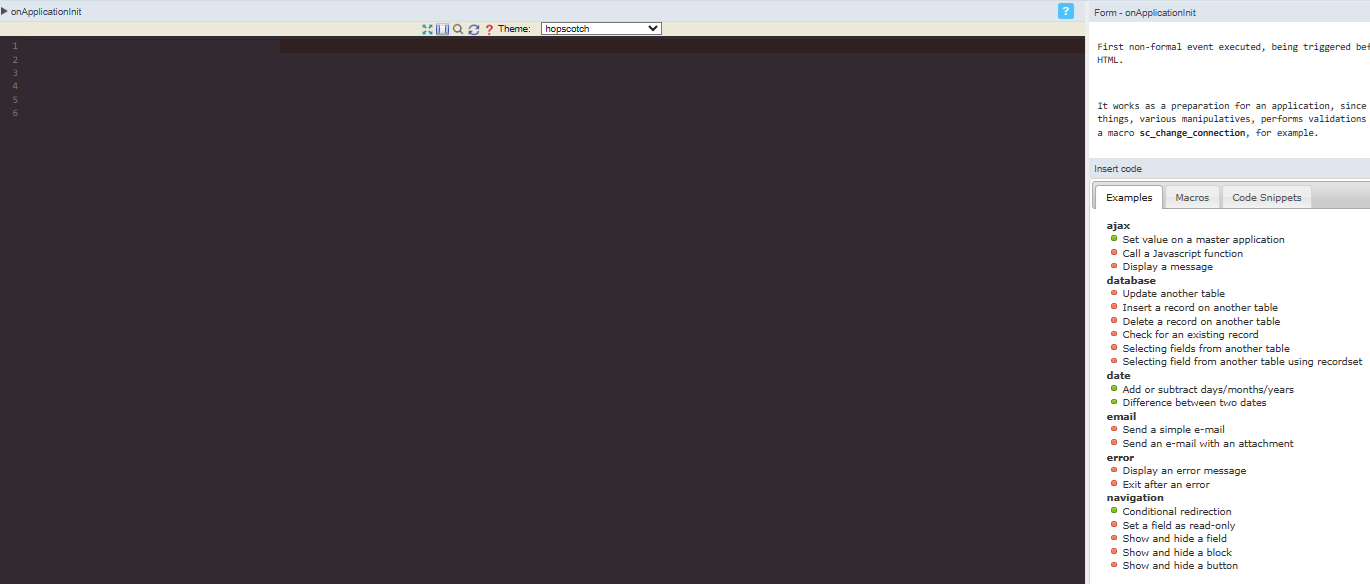
onApplicationInit), it will also fail if called via a library within that same event.
Step 1: Verify Macro Compatibility
Before placing a library call, check the Scriptcase Macro Documentation for every macro used inside your library function.
- Check the Event List: Ensure the macro you are using is explicitly listed as supported for the event calling the library.
-
The
onApplicationInitTrap: Many database macros are not fully supported or initialized inonApplicationInit. Moving these calls toonScriptInitis often the solution, as it is the first event where the database connection is guaranteed to be ready.
Step 2: The “Object-Passing” Pattern
To ensure a library function has reliable access to the database regardless of macro parsing issues:
-
Pass the Application Object: Define your library function to accept the application context as a reference (e.g.,
function my_func(&$app_obj)). -
Call with
$this: When calling the function from an event, pass the current object:my_func($this). -
Use Direct Methods: Inside the library, instead of using macros, use the internal methods of the passed object (e.g.,
$app_obj->Db->Execute()). This bypasses the macro parser entirely and prevents “null” pointer errors.
Summary Checklist
- Consult the Documentation: Verify the macro is allowed in the specific calling event.
-
Use
onScriptInit: Use this event for any logic that requires database interaction to ensure the connection is live. -
Use
sc_include_library: Always use the formal macro to include your project or system libraries to maintain proper file paths.