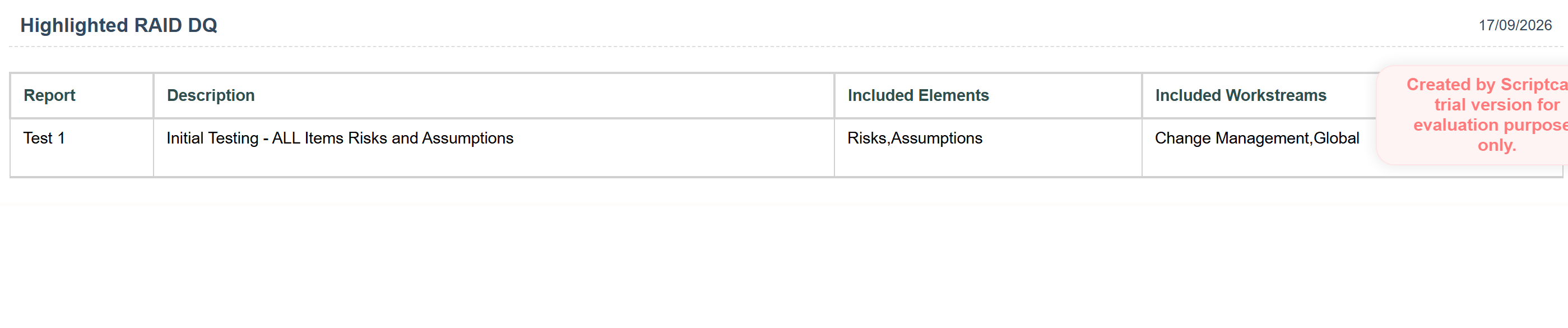
There are printing problems in nested grids, where the whole report doesn’t print… just the top record, not the nests.
Hi,
This is a long-standing limitation rather than a new bug: nested grids are loaded via AJAX per row when you expand them, and the Print / PDF function of the main grid only takes the HTML of the main table. So the nested content simply isn’t there when the print is generated. As far as I know this hasn’t changed in SC10, but if someone has found an export option that includes nested grids, please correct me.
What has worked for me:
-
Check the nested grid setting “Initial state: expanded” (or similar in your version) so all nests are rendered on load. In some cases the print then includes them, but it’s not reliable and gets slow on larger datasets.
-
For a real printable report, don’t use nested grids at all. Build a separate Grid with a JOIN (or a Report PDF app) and use “Group By” / break lines on the parent key. You get the same parent/child layout, but it’s one flat result set, so Print and PDF work completely.
-
If you need the on-screen nested grid AND a full print, keep both: the nested grid for browsing, and a “Print report” button that opens the grouped grid/PDF app with the same filter.
Option 2 is the one I use for clients – it takes an hour to set up and the output is much nicer than a printed nested grid anyway.
Best,
Przemysław
Im afraid thats not true. Ive been printing nested grids for years in v9. Its one of the most important parts of grid functioality. I have at least 2 dozen!
Could you please share the configuration of your grids—specifically those with nested grids—where you were previously able to print both but are now unable to do so?
We look forward to hearing from you so we can proceed.
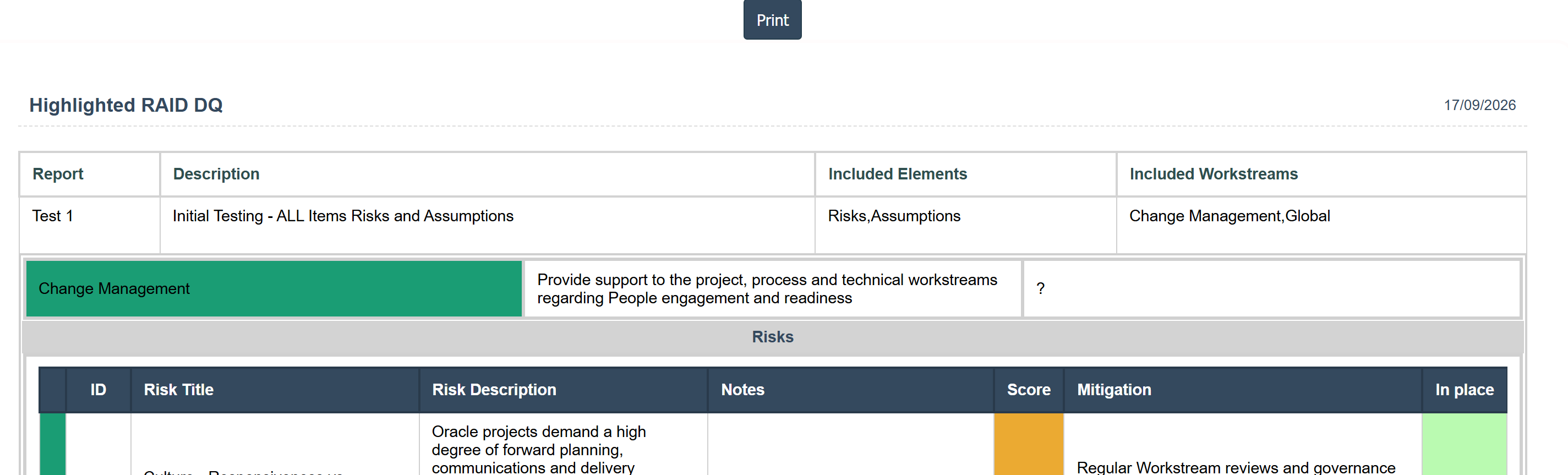
The grid is a simple nested grid without any of the iFrame capability. Thre is nothing particularly special about them. Here is a version of the print screen in v9 that works:
in v10 you get the proper screen displayed:
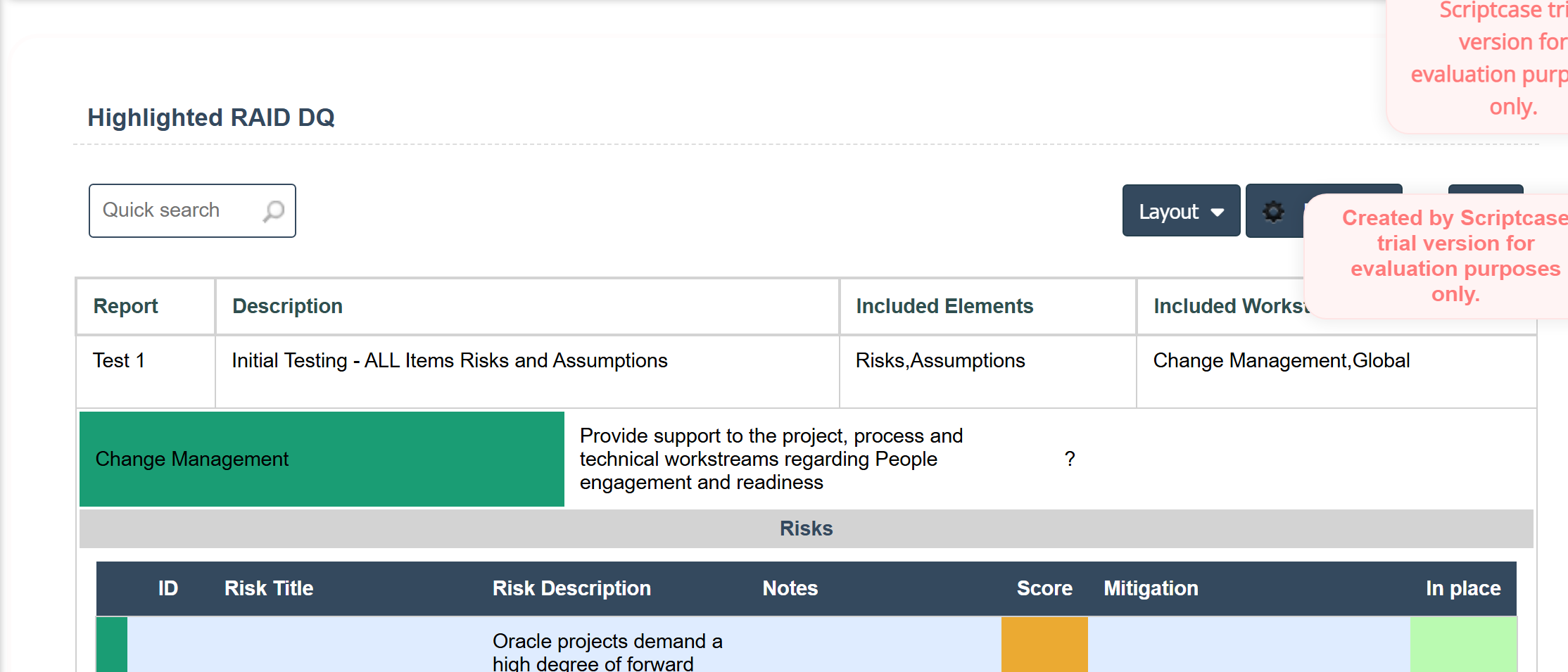
But when you Export Print you just get the header record: