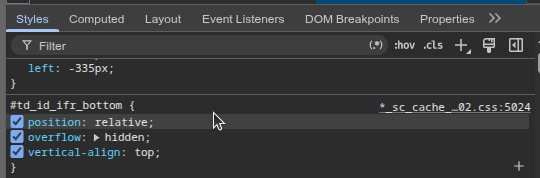
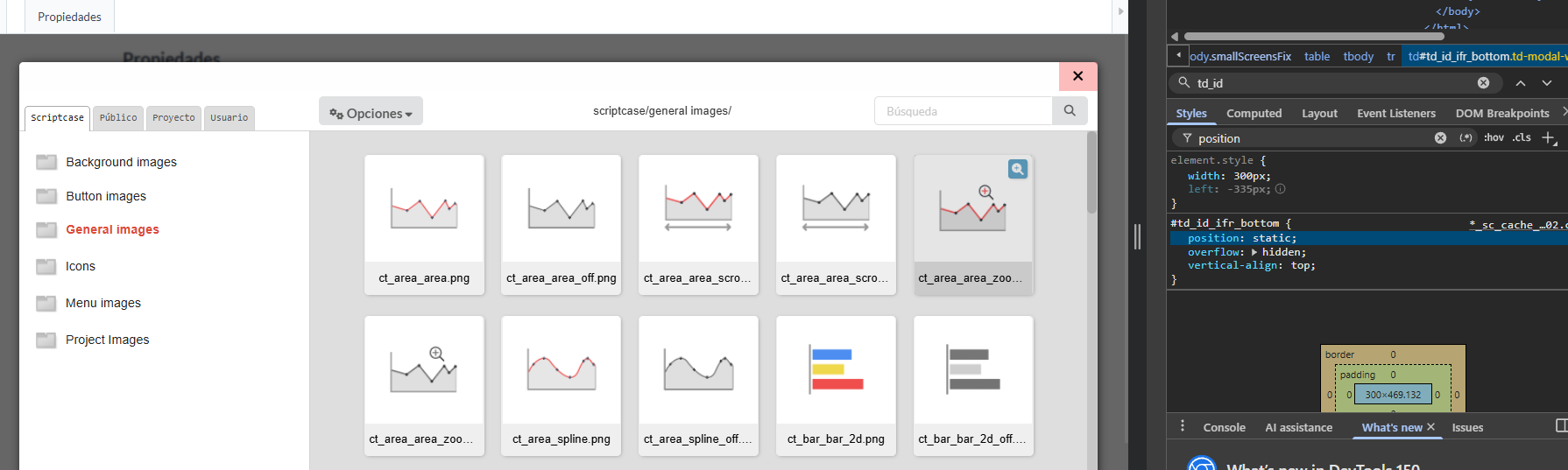
You can’t select the folder in the Image Manager!
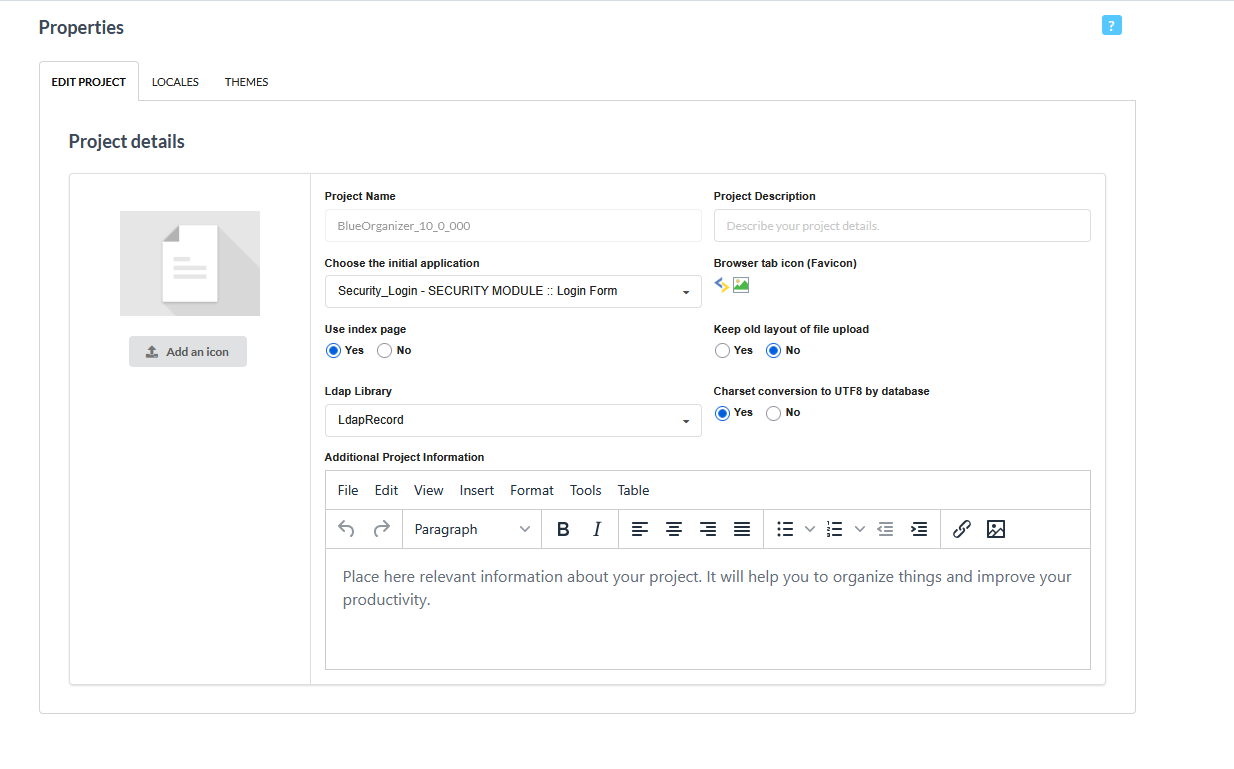
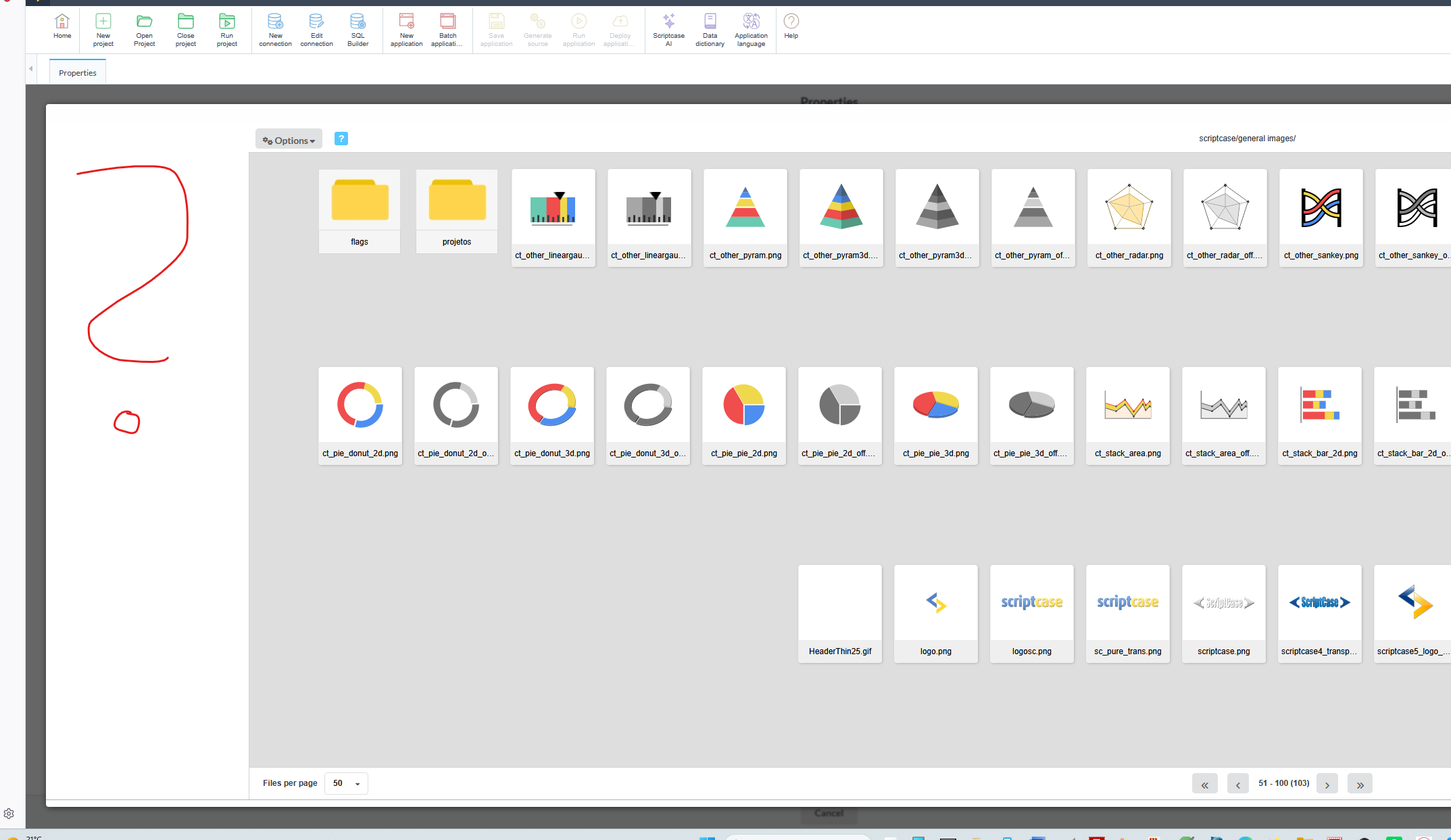
And it doesn’t carry it over during import either!
This also happens using the images manager in other places, for example when trying to add an image to an application!
No, I have to disagree. The problem was that I immediately defined a new version (with a different name) when importing the project. If I import it exactly as it is, the favicon works.
However, it should also work with a different name, since it’s sourced from the backup!
A mi tambien me pasa
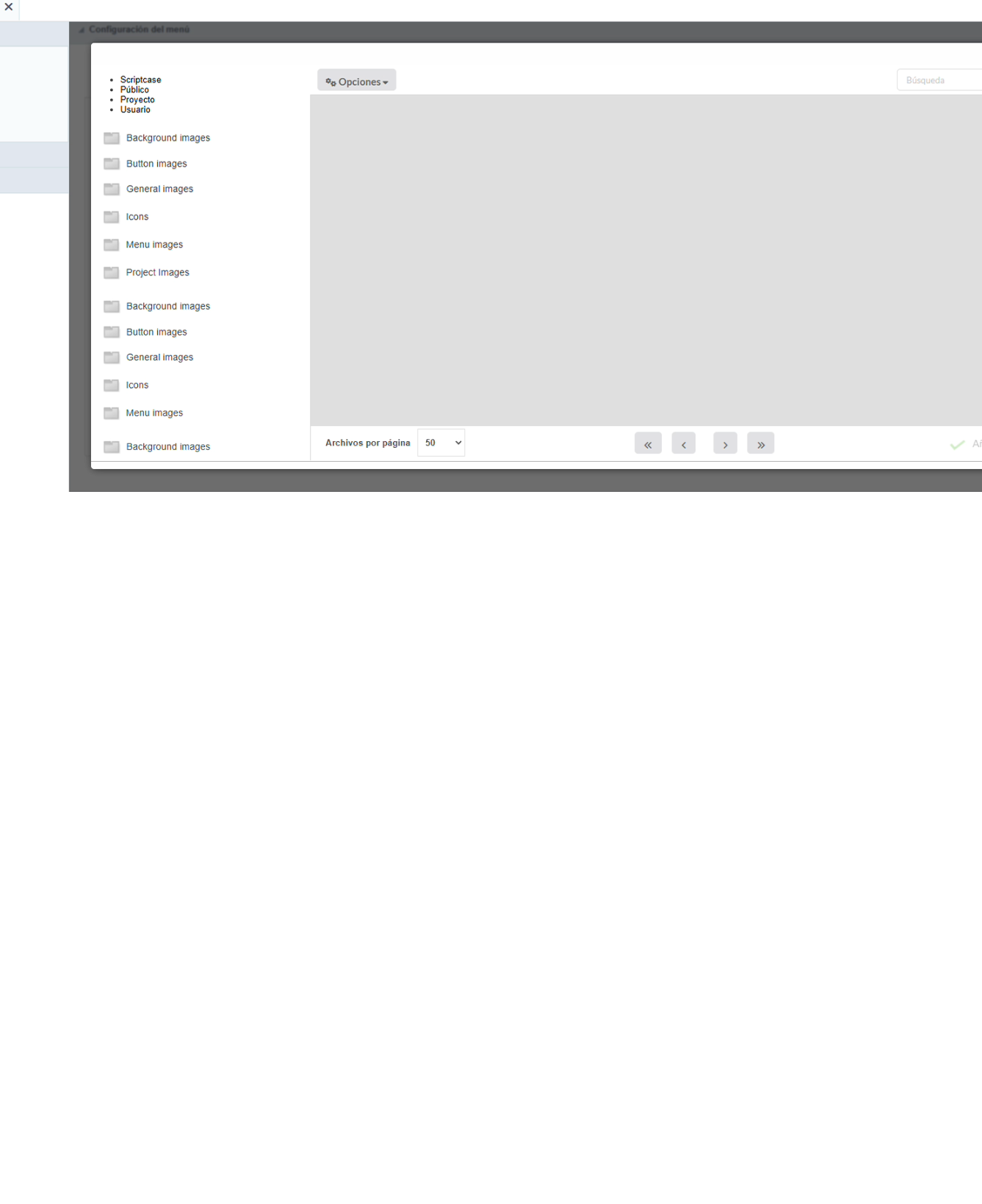
This got completely screwed up. They also added some new way of adding THEMES, which I really do not like. At least there should be an option in the setting if the user wants to keep the old format.
We have to wait till the bugs are fixed. I personally was forced to upgrade to v10, and now I am suffering greatly, because of the bugs.