Security module saves password as unecrypted text

Hi

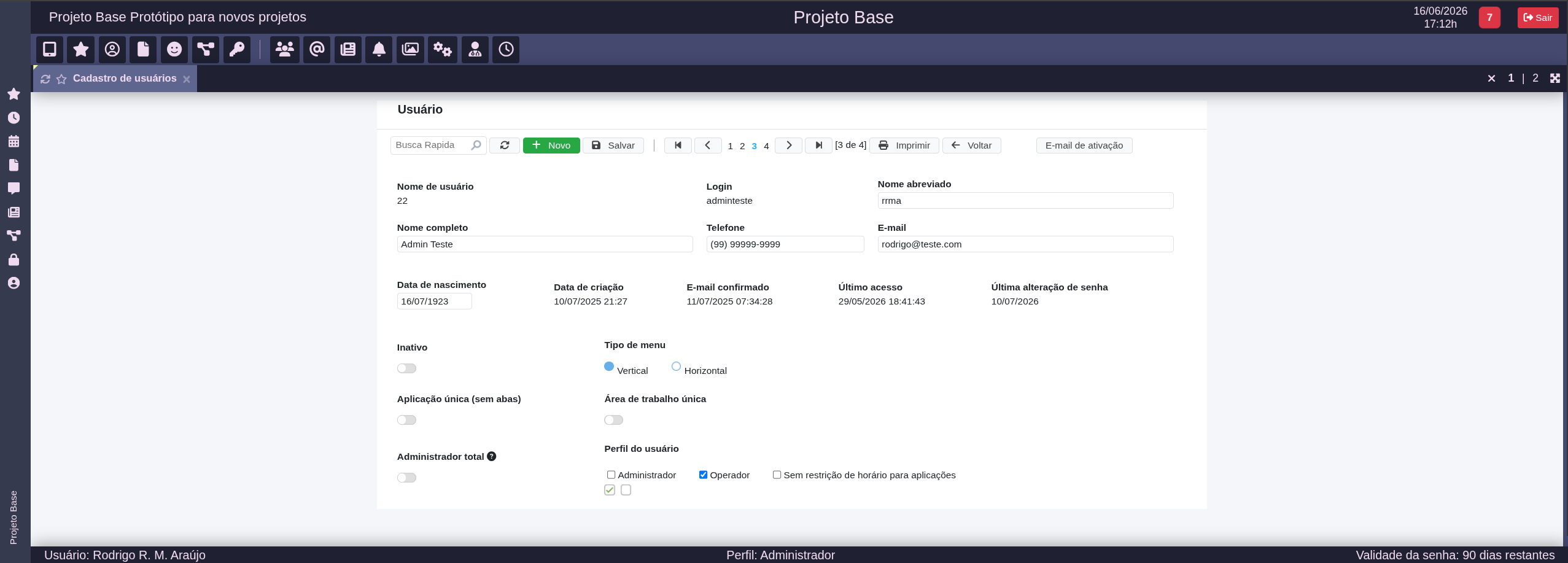
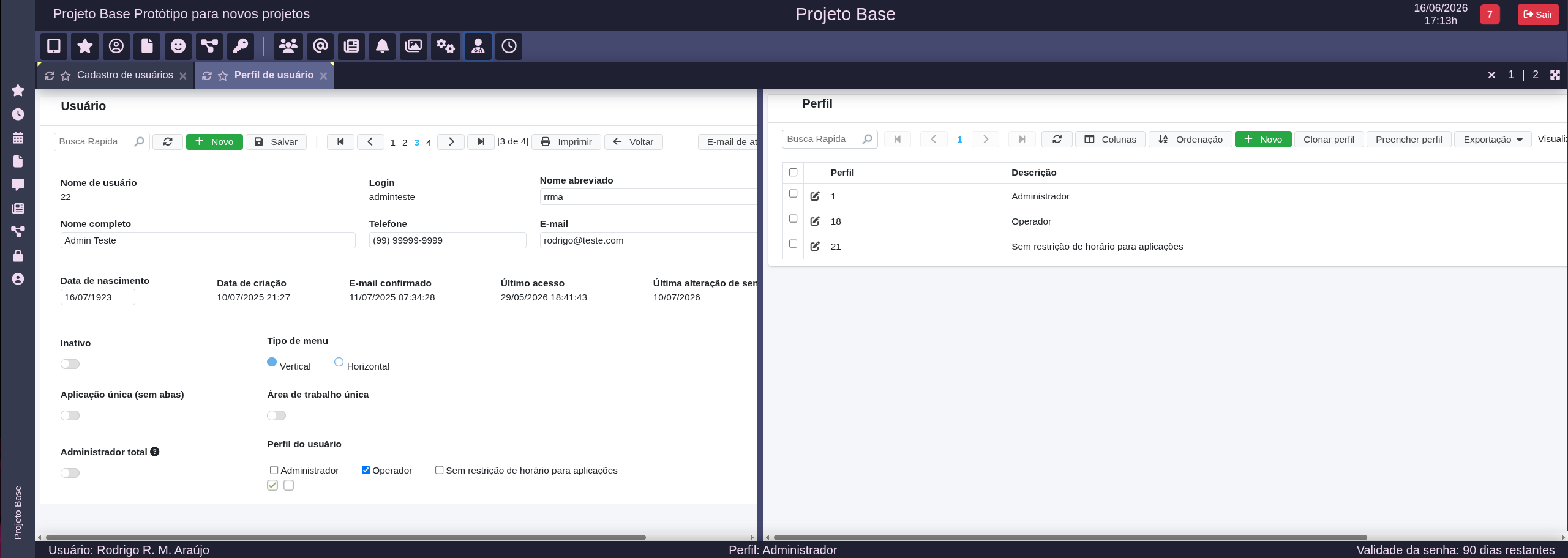
I have today encountered an issue with the built-in security module of scriptcase. When updating a user’s record through the corresponding form, scriptcase will save the password as unencrypted clear text into the database.

This means that
a) the user can not log in again or change the password, since the app expects the encrypted password
b) everybody with viewing access to the table can now see the unencrypted password

This happened every time I updated a specific user - in this case myself - but it did not happen to any of the other users I tested this with by updating their records.
I have done this in the past and I know it happened before, but I am unsure if it hapened every time.

Logging out of the production environment did not fix the issue. Using the deployed version of the project (instead of the developement version under …/scriptcase/app/project) did not fix the issue. Changing the user who does the updating did not fix the issue.
Using incognito mode seems to fix the issue. Using a different PC seems to fix the issue.

I use the built-in version of the security module (with only a few cosmetic changes to the html) and version 9.13.018.
This is a very serious issue.

Storing passwords in clear text, even temporarily or only under specific conditions, is a critical security problem. It affects both application integrity and user privacy, and it can create real exposure if anyone has access to the database table.

This is exactly the kind of situation that made me move away from it. When you lose control over something as fundamental as fixing a security-related bug yourself, and you have to wait for the vendor to identify, confirm, and patch it in a future release, that is a clear sign that the tool may not be the right choice for serious development.

You must have direct control over the authentication logic, password hashing, database writes, and debugging process. If something goes wrong (ex. in Laravel), you can inspect it, patch it, test it, and deploy a fix without being blocked by the internals of the tool.

That is indeed quite serious. I am curious what the cause of this was/is. I have been using AI more to debug weird SC issues. I upload the deployed app to AI and tell it my problem. It is surprisingly good and debugging the compiled code and telling what is really going on.