
[SOLVED] Print to HTML modal causes Grid iFrame to collapse

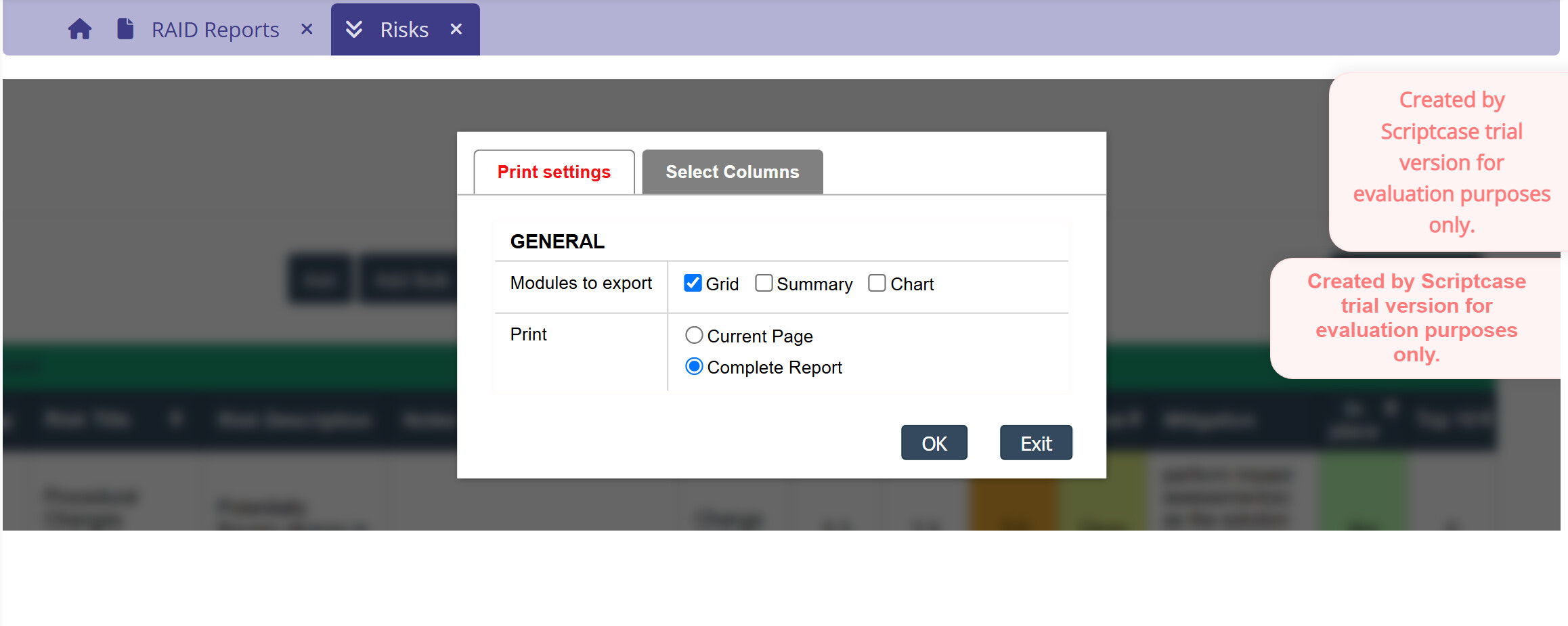
When setting up a grid to print HTML, the modal that allows report selection (Colour/B&W, Full report/Current Page) comes up with a grayed out background to prevent you from selecting outside the modal. This in itself is fine.

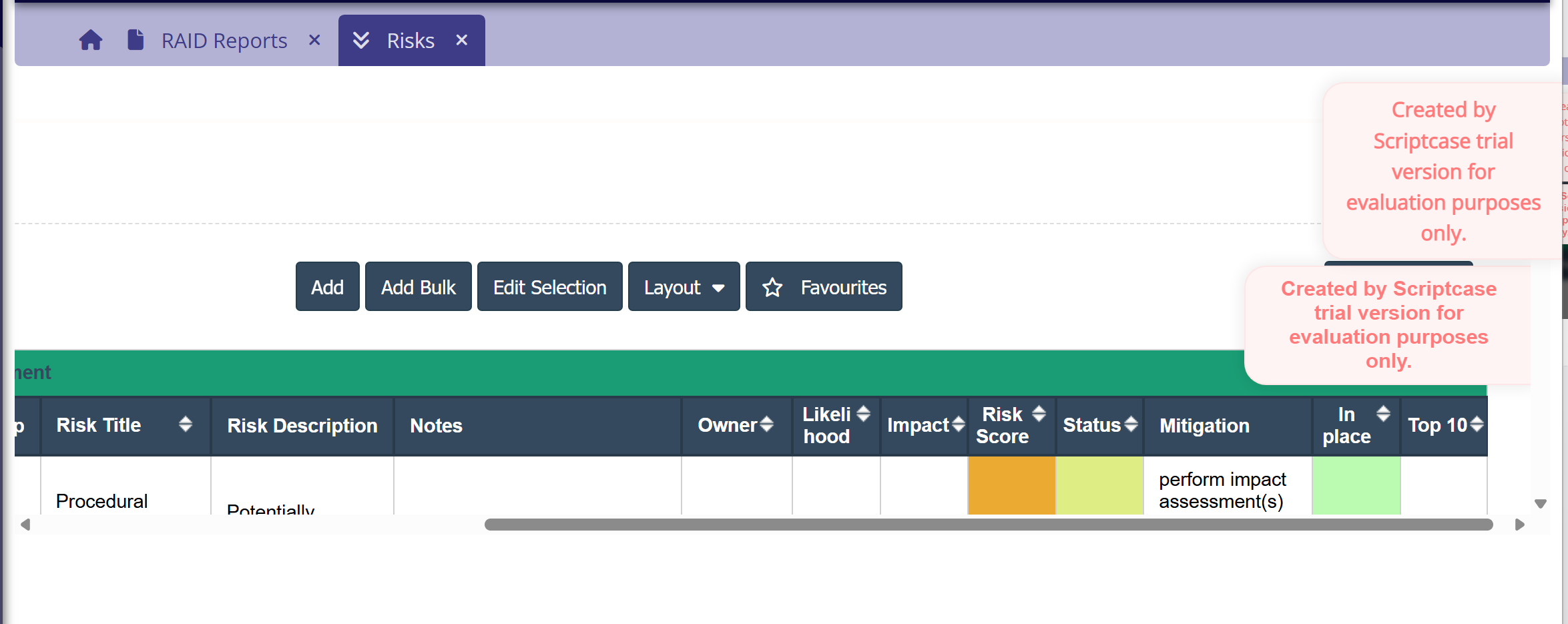
However, It collapses the original frame containing the grid such that when you return from print, the grid is now artificially truncated with scroll-bars, instead of the normal screen. The only way you can get the screen back is to refresh the whole browser (not the iframe). Effectively this makes the print selection unusable.
@ibatey ,

Could you please send us an image showing how it looks when you open the Print option in the grid?

That would be very helpful; if it is the issue we suspect, it was fixed in version 10.1.002. In that version, opening the PDF export or Print modals within a grid accessed via the menu would reduce the frame height, and it would only return to normal after closing the menu item and reopening the grid.

In any case, we look forward to hearing from you so we can proceed.

Best regards!

I thought his was generated in 10.1.002, but having regenerated the grid in 10.1.002(14) it seems to be OK. I’m away from the office for a few weeks so will not be able to check other grids, but it looks fixed.

Thank you for the update.

As we suspected, this is precisely the issue that was fixed in the latest version.

Best regards!