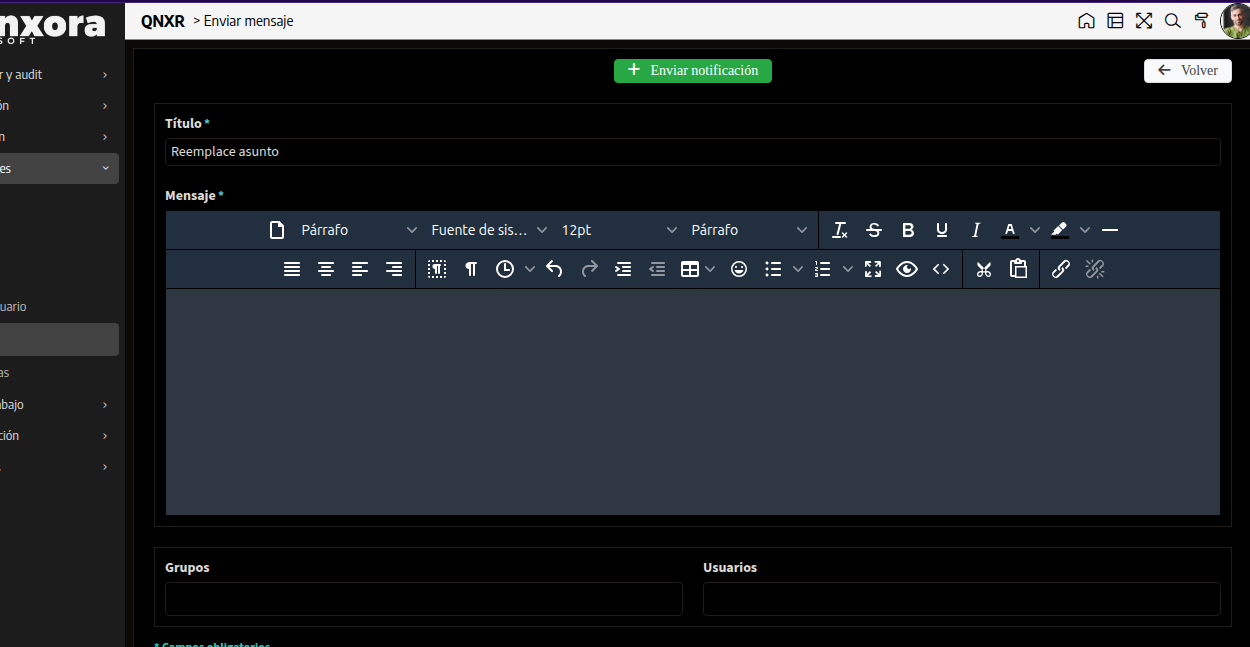
I have a form using the dark grey color theme. Any ideas how to make Tiny-MCE follow the project theme, so the background can match the rest ?

BTW, there is a line height setting for this type of field , but when I tried it , it has no effect.
I also tried to embed some CSS classes in the Header but most likely these classes are wrapped in some extra code and this doesn’t work.
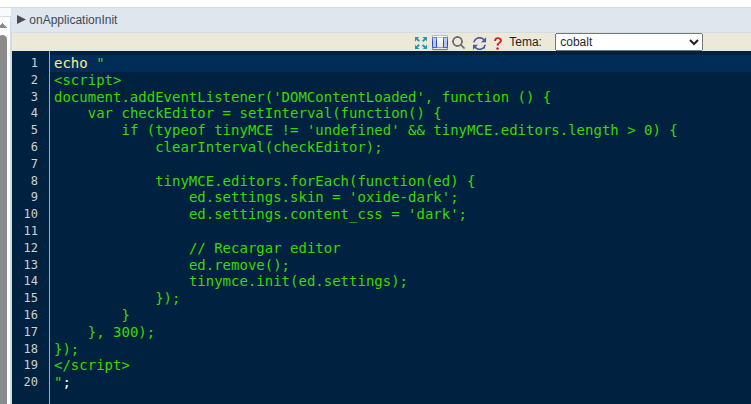
onApplicationInit
echo "
<script>
document.addEventListener('DOMContentLoaded', function () {
    var checkEditor = setInterval(function() {
        if (typeof tinyMCE != 'undefined' && tinyMCE.editors.length > 0) {
            clearInterval(checkEditor);

            tinyMCE.editors.forEach(function(ed) {
                ed.settings.skin = 'oxide-dark';
                ed.settings.content_css = 'dark';

                // Recargar editor
                ed.remove();
                tinymce.init(ed.settings);
            });
        }
    }, 300);
});
</script>
";