
Hello,
I am experiencing an issue when trying to access Scriptcase.
The password for the admin user is accepted correctly, but immediately afterward the following message appears:
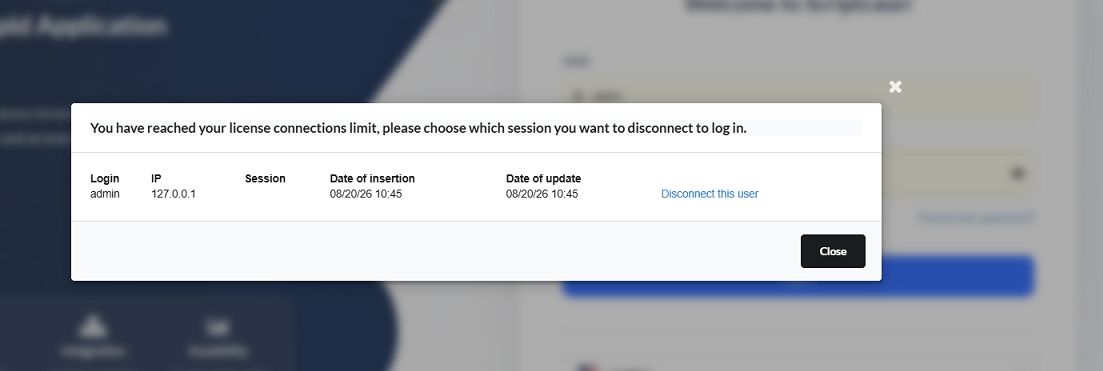
“You have reached your license connections limit, please choose which session you want to disconnect to log in.”
The window shows an active connection for the admin user with IP address 127.0.0.1.
I have tried several times to click “Disconnect this user”, but the session is not removed and I am still unable to access the Scriptcase interface.
I have also closed the browser and tried logging in again, but the issue remains unchanged.
I am attaching a screenshot of the error message.
Could you please advise me on how to correctly remove this stuck session and restore
If necessary, I can also provide the exact Scriptcase version, installation details, and any additional information required for troubleshooting.
Thank you for your support.